Nova
Everything your customers need to create without barriers
From idea to live website or app in minutes, without coding or added complexity.
Select & edit with AI
Edit any section with smart in-line prompts
Automatically responsive
Preview Desktop, Tablet, or Mobile versions
Build without code
Design and launch apps visually, no code
Design system
Create styles to reuse across projects
Built-in backend
Add a database and user authentication
Publish to a domain
Push your project live on a custom domain
Analytics & performance
Get data on visitor analytics, SEO, and more
Contact Forms
Embed Google Forms or Typeform forms
Select your Nova plan
From idea to live website or app in minutes, without coding or complexity.
Build
Best for creating small projects and experimenting regularly.
Sign up for Free Credits
Get started for free and explore what Nova can build for you
- 3 AI credits
- 1 Project
- A bunch of features you'll love
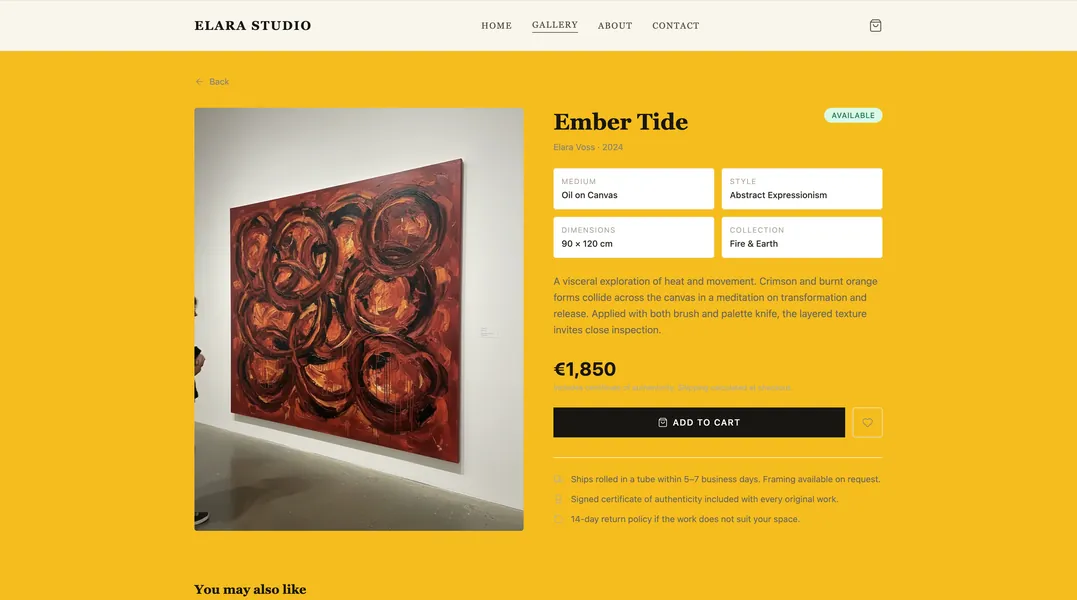
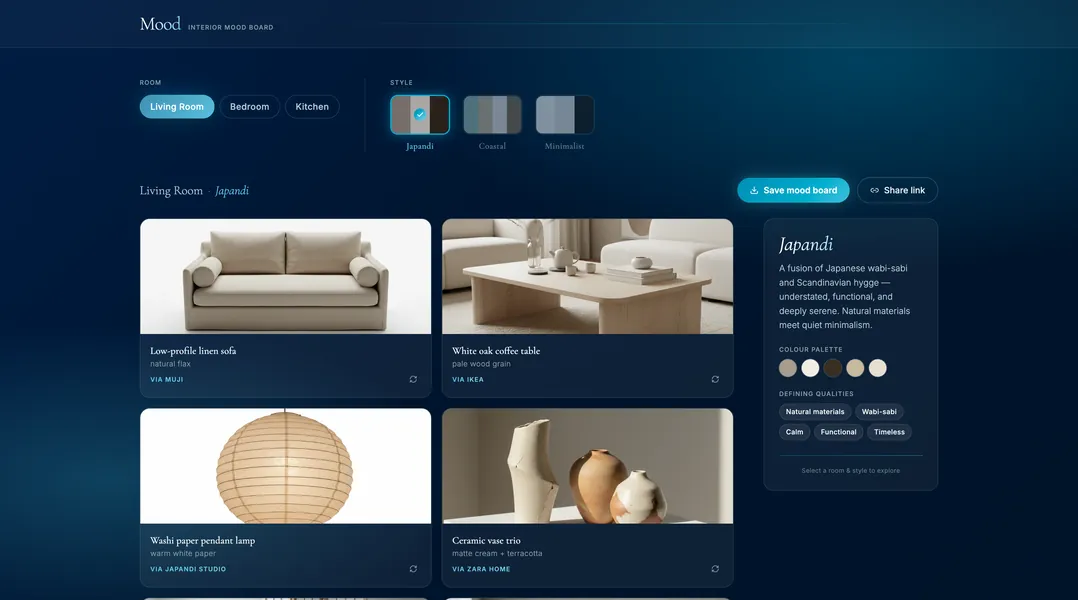
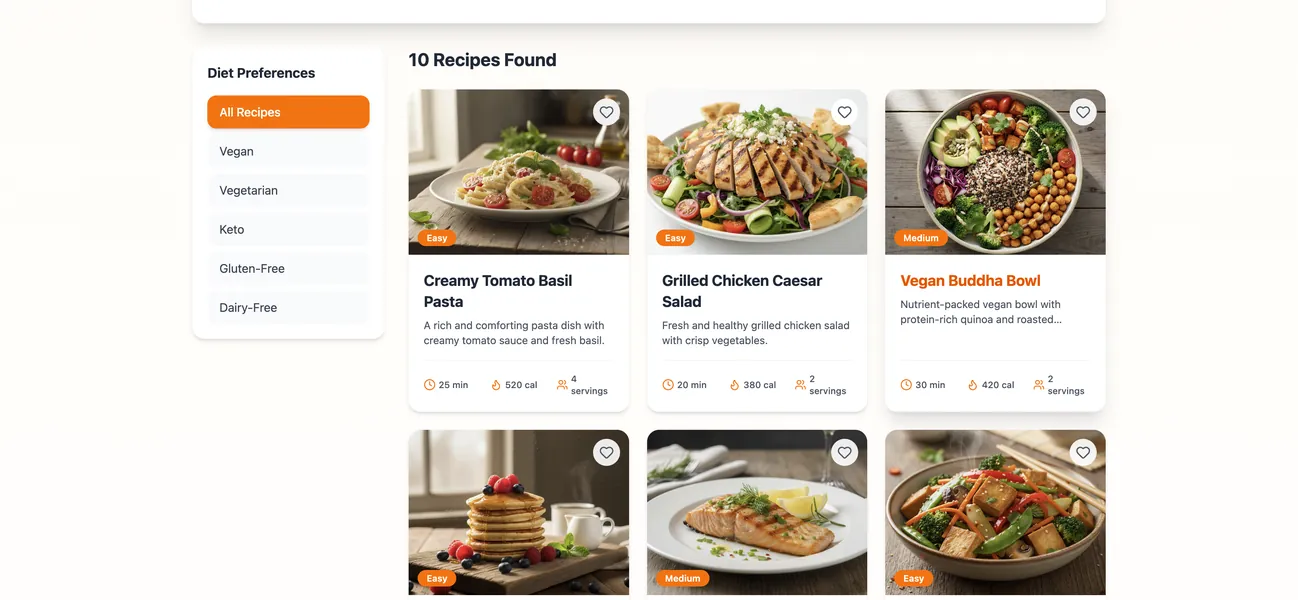
See what others built with Nova
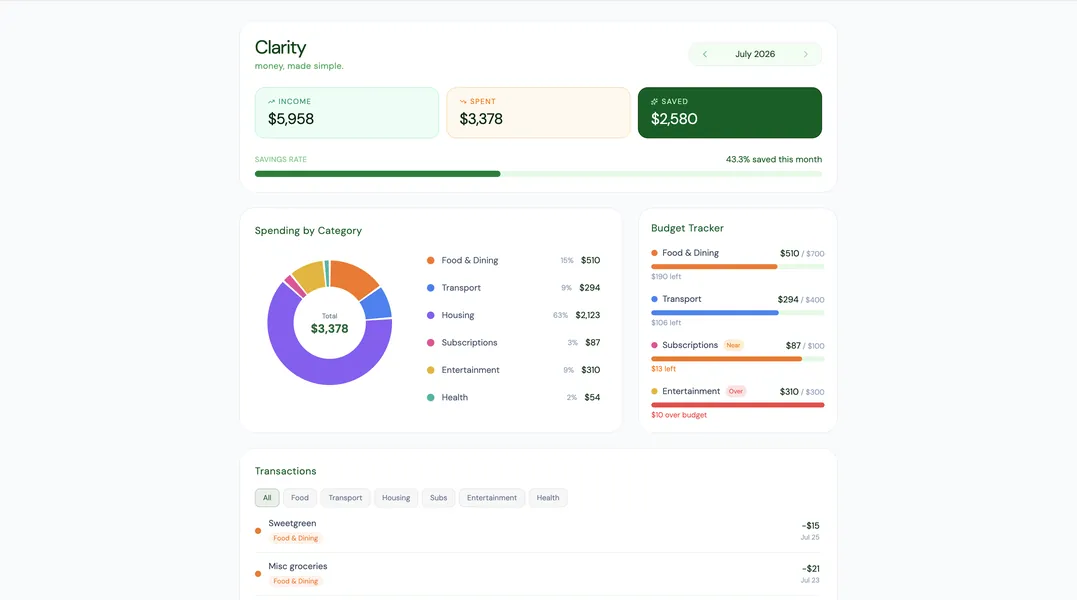
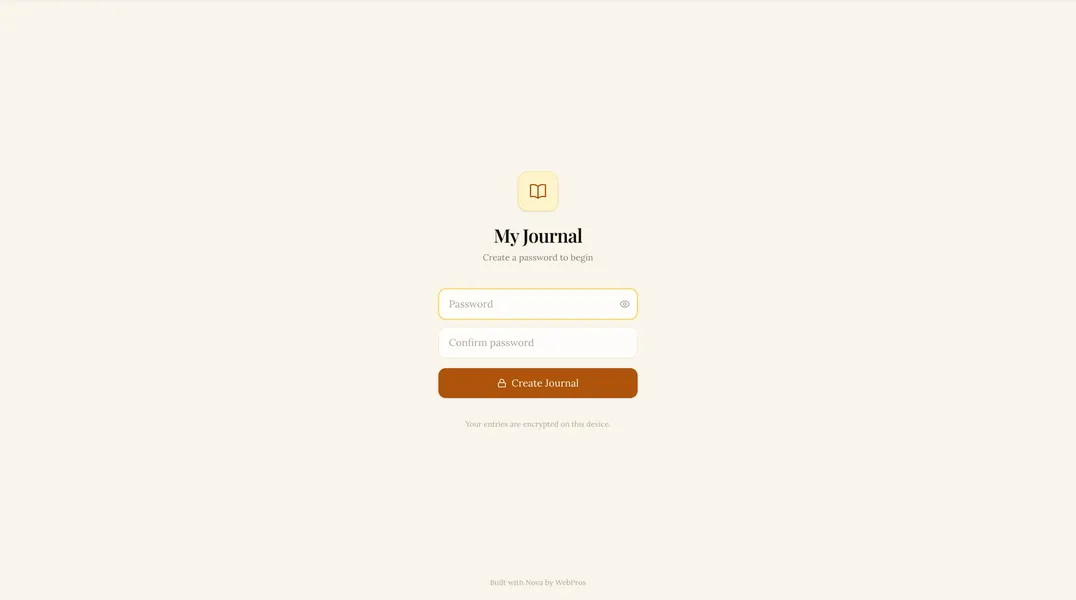
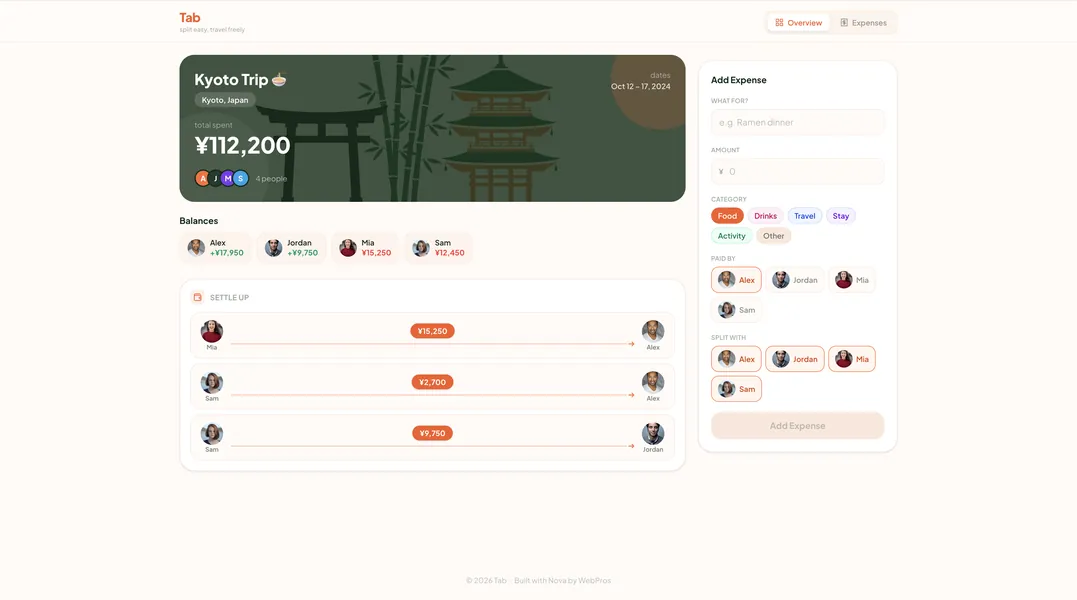
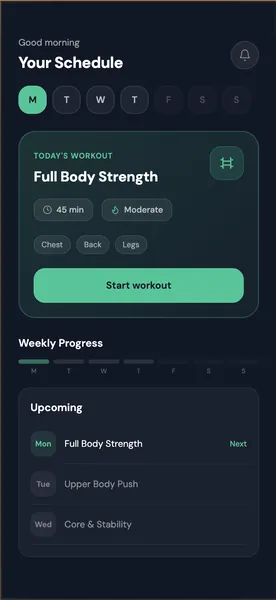
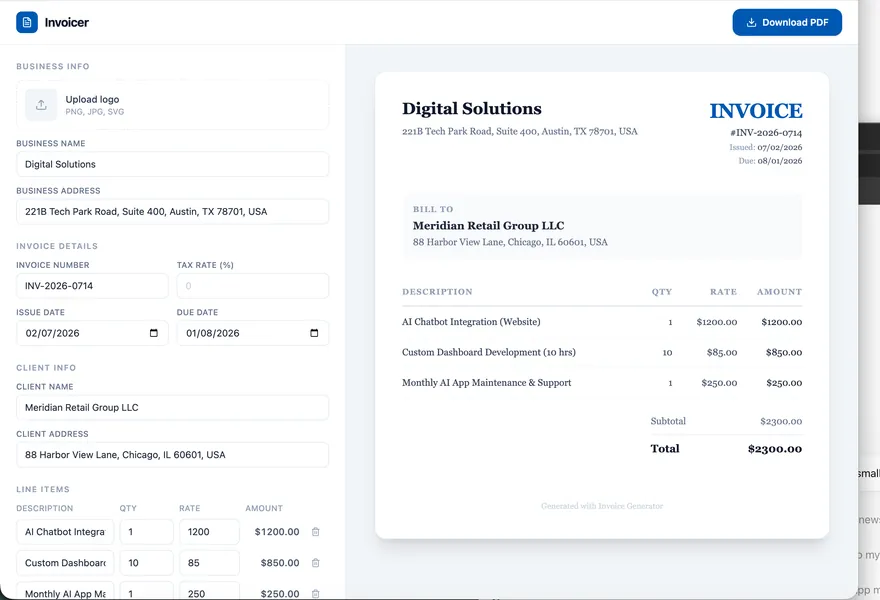
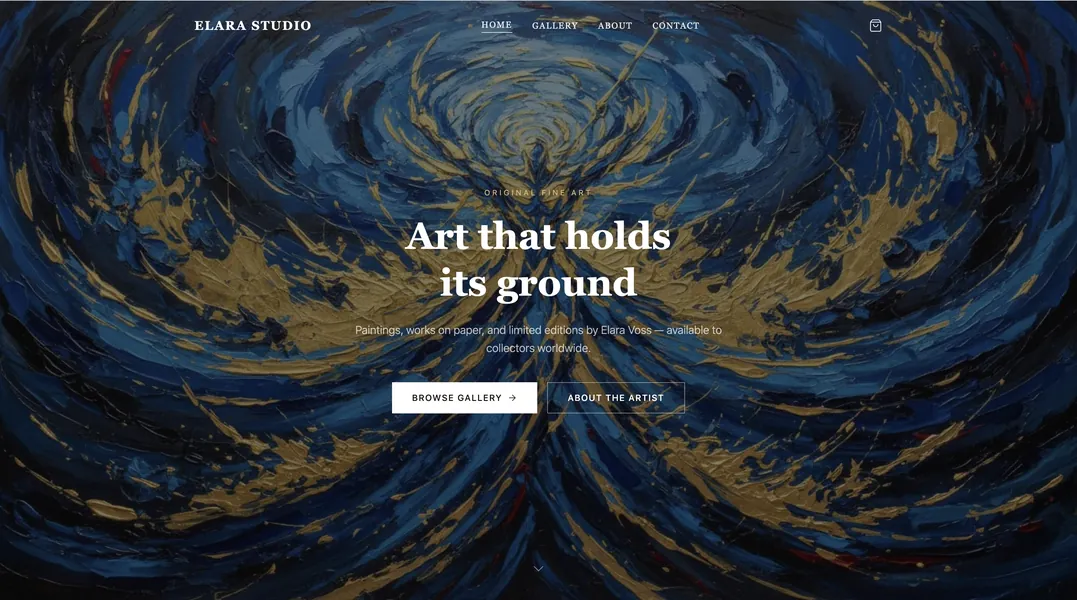
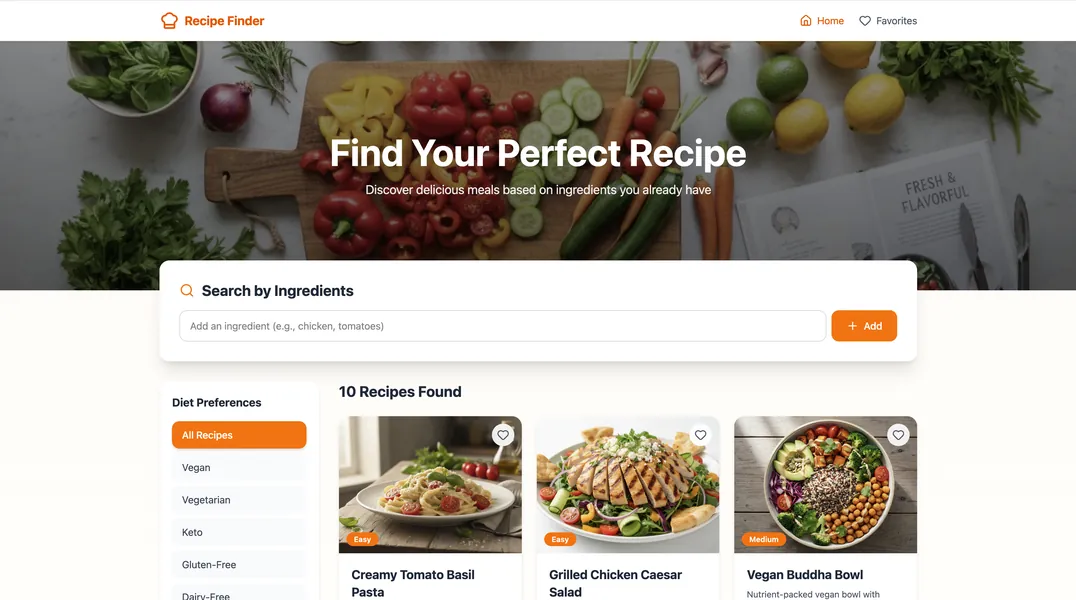
Get inspired by the wide range of projects built, from e-commerce stores and websites to apps, prototypes, and beyond.
Frequently asked questions
What can I build with Nova?
Websites, web applications, dashboards, tools, prototypes, and many more. Examples: a restaurant website, an invoice generator, a habit tracker, a booking form, a personal finance dashboard. If you can describe it, Nova builds it.
How do AI credits work?
One AI credit is used each time you send a message to Nova. How many you get each month depends on the plan you choose, and they reset monthly. Browsing your project, editing manually in Edit Mode, and publishing do not use credits.
Do I need to know how to code?
No. Nova is built for non-technical users too. You describe what you want in plain language and Nova does the rest. If you want to make code-level edits, the Code Editor is available, but it's optional.
Can I publish my project to my own domain?
Yes, on any paid plan. You connect a domain you own, and Nova handles the publishing.
What happens if I don't like what Nova built?
Write a follow-up prompt describing what you'd like to change. Or use Revert to Previous Version to go back to any earlier state of your project.
